What Should We Put on Our Wedding Website Before We Send Save-the-Dates?
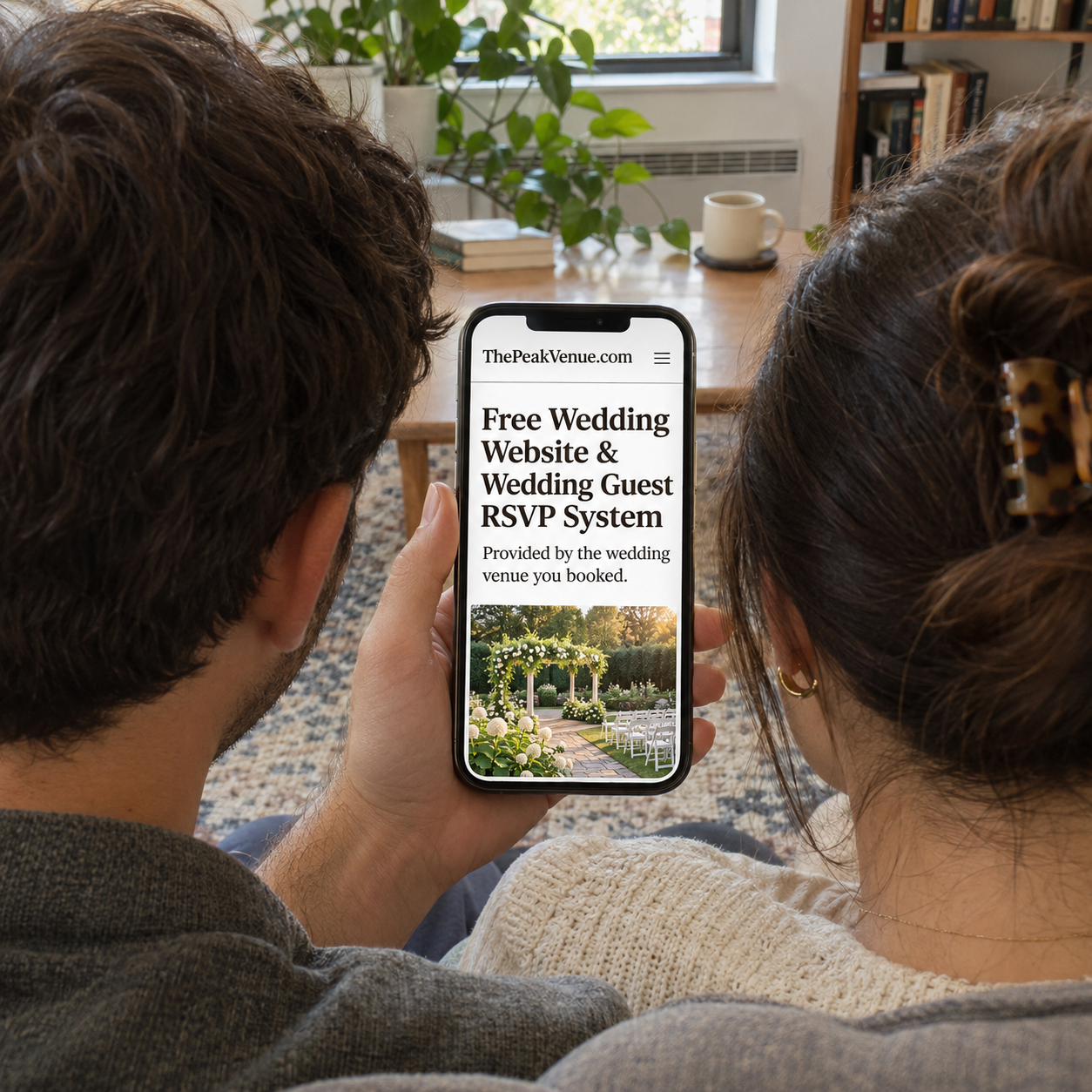
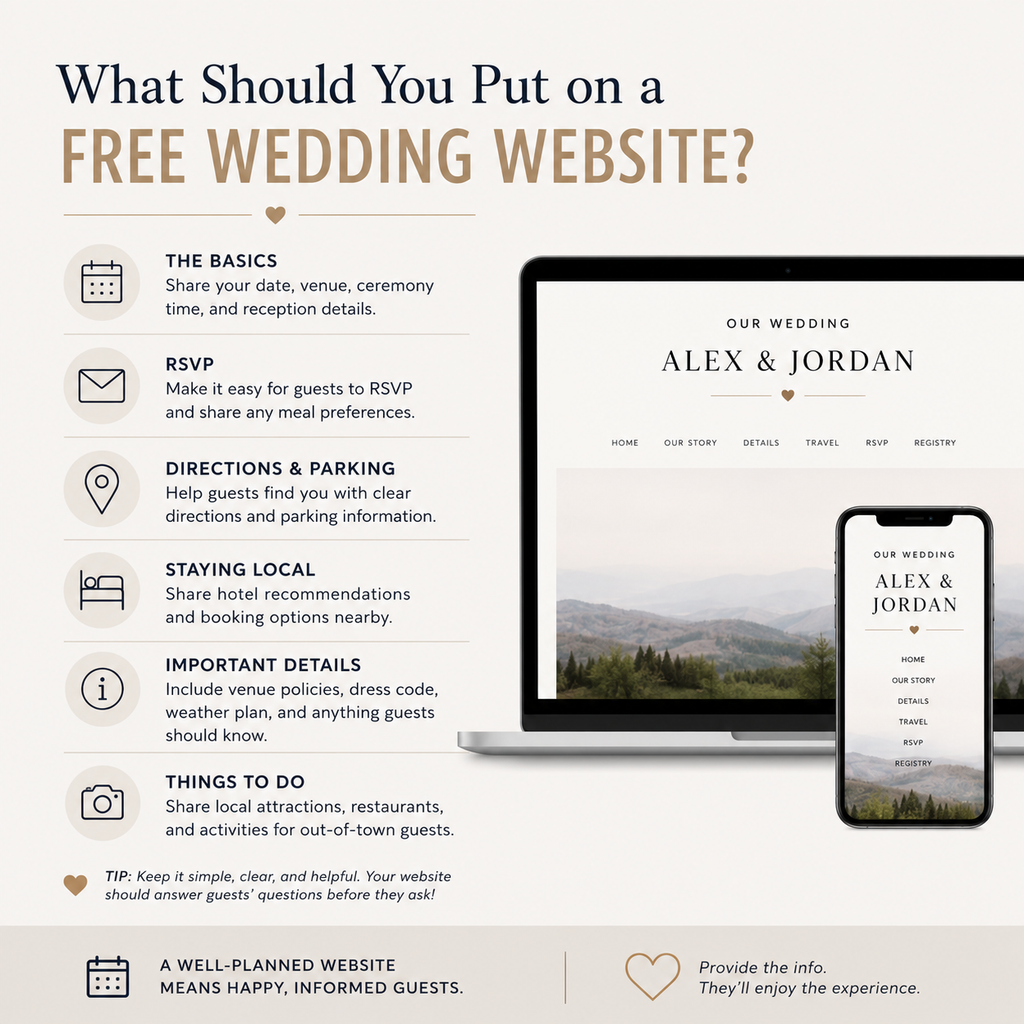
Before you send save-the-dates, put your names, wedding date, venue name, town and state, and confirmed travel advice on your wedding website. Tell guests whether they need to RSVP yet and when to check back for hotel or shuttle details. Ask your venue for its free wedding website link before you print anything. That can be the same link guests use to choose a hotel now, RSVP when invitations arrive and find the right entrance on your wedding day.
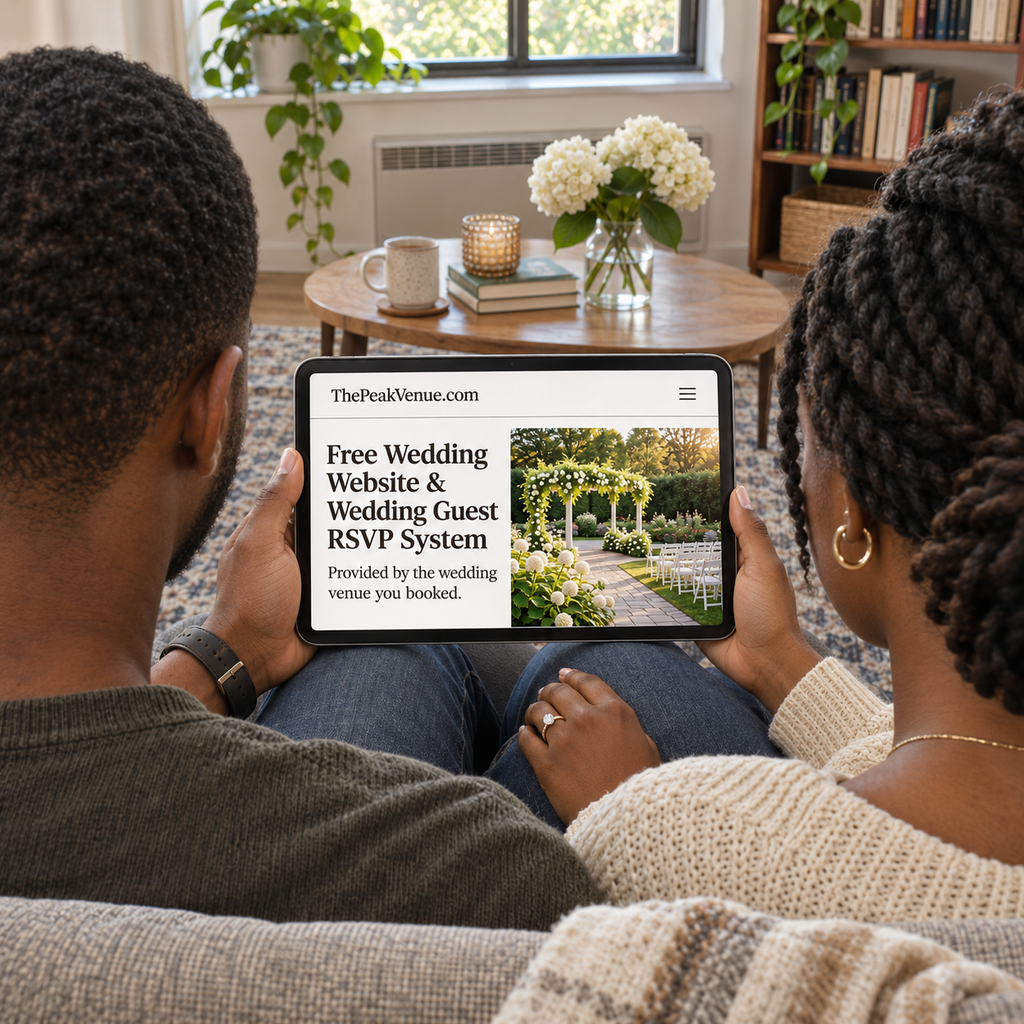
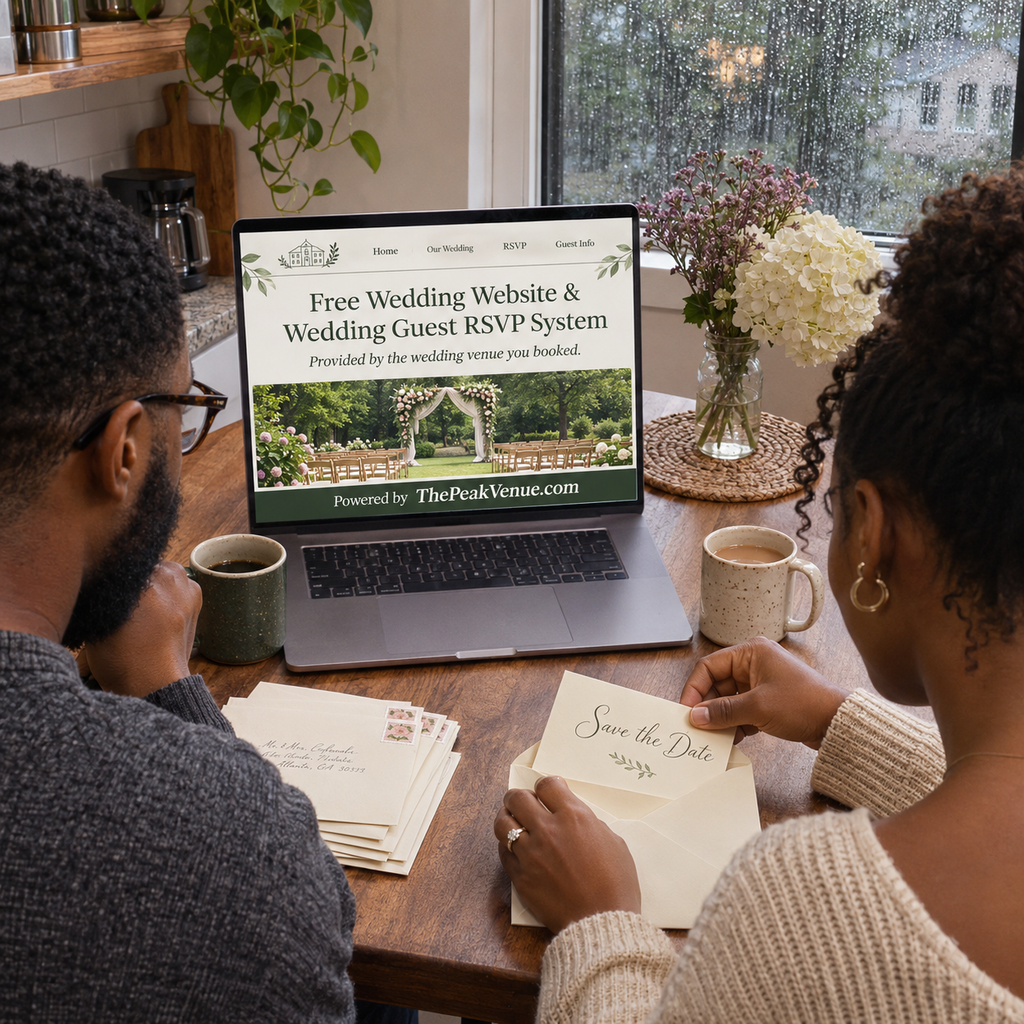
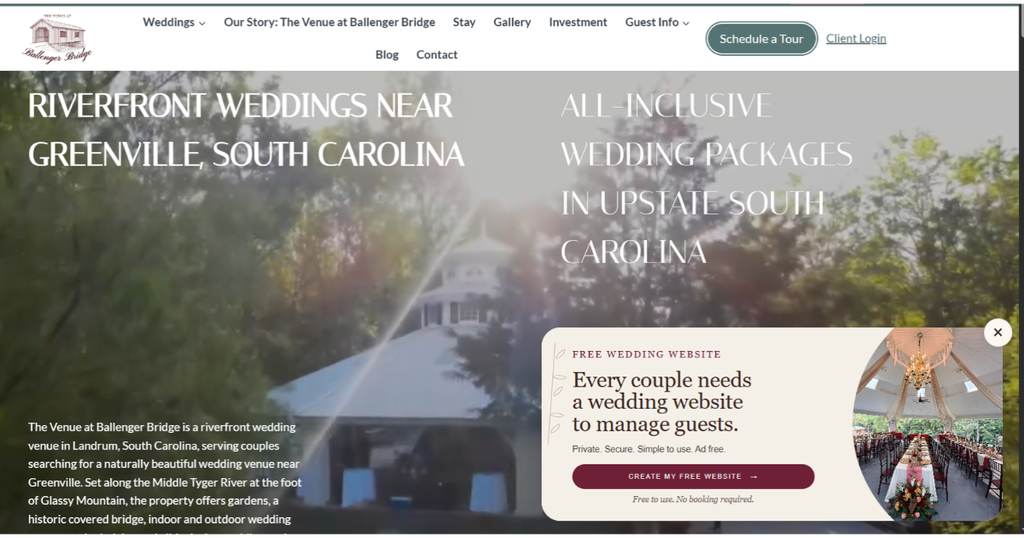
At participating venues, ThePeakVenue.com Wedding Guest RSVP System and Free Wedding Website goes directly on the wedding venue’s website. The venue gets the system from ThePeakVenue.com and offers a wedding website to its couples at no charge. WeddingVenueOwners.com partners with ThePeakVenue.com on this program. If your venue offers it, you can start there and skip setting up a second site through a wedding advertising directory. How a venue-provided free wedding website works
Wedding website checklist before save-the-dates: what to publish now and what to add later
| Guest question | Publish now | Add later, once confirmed |
|---|---|---|
| When and where is the wedding? | Your names, day of the week, date, venue’s official name, town and state. If the ceremony and reception are in different towns, name both. | Ceremony time, when guests may arrive and how long to allow between locations. |
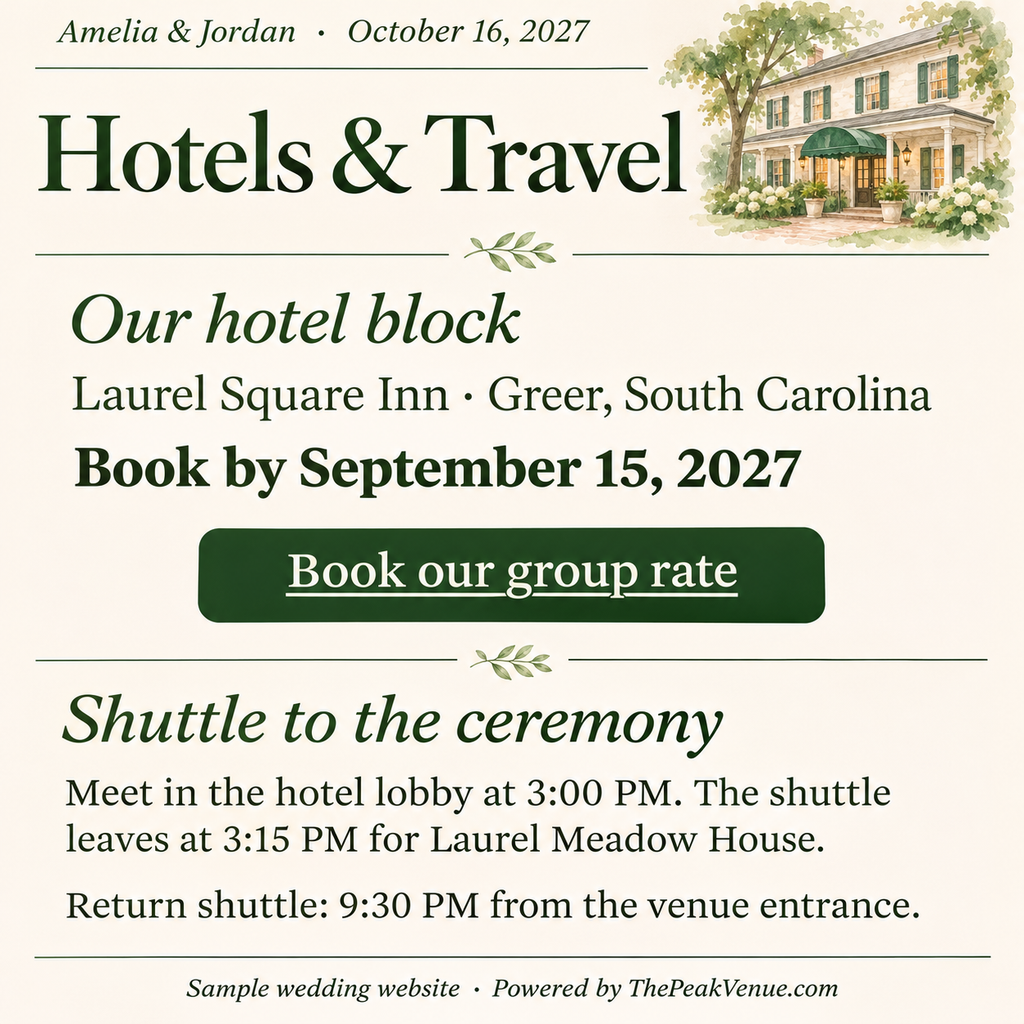
| Where should we stay? | The town or neighborhood your venue recommends. Say whether a hotel block is being arranged and when you expect to update guests. | Hotel name, booking link or group code, rate, booking deadline and cancellation terms confirmed by the hotel. |
| Will we need a car? | Say whether transportation is confirmed. If guests must arrange their own ride, tell them as soon as you know. | Exact pickup point, departure time, seat reservation instructions and last return trip. |
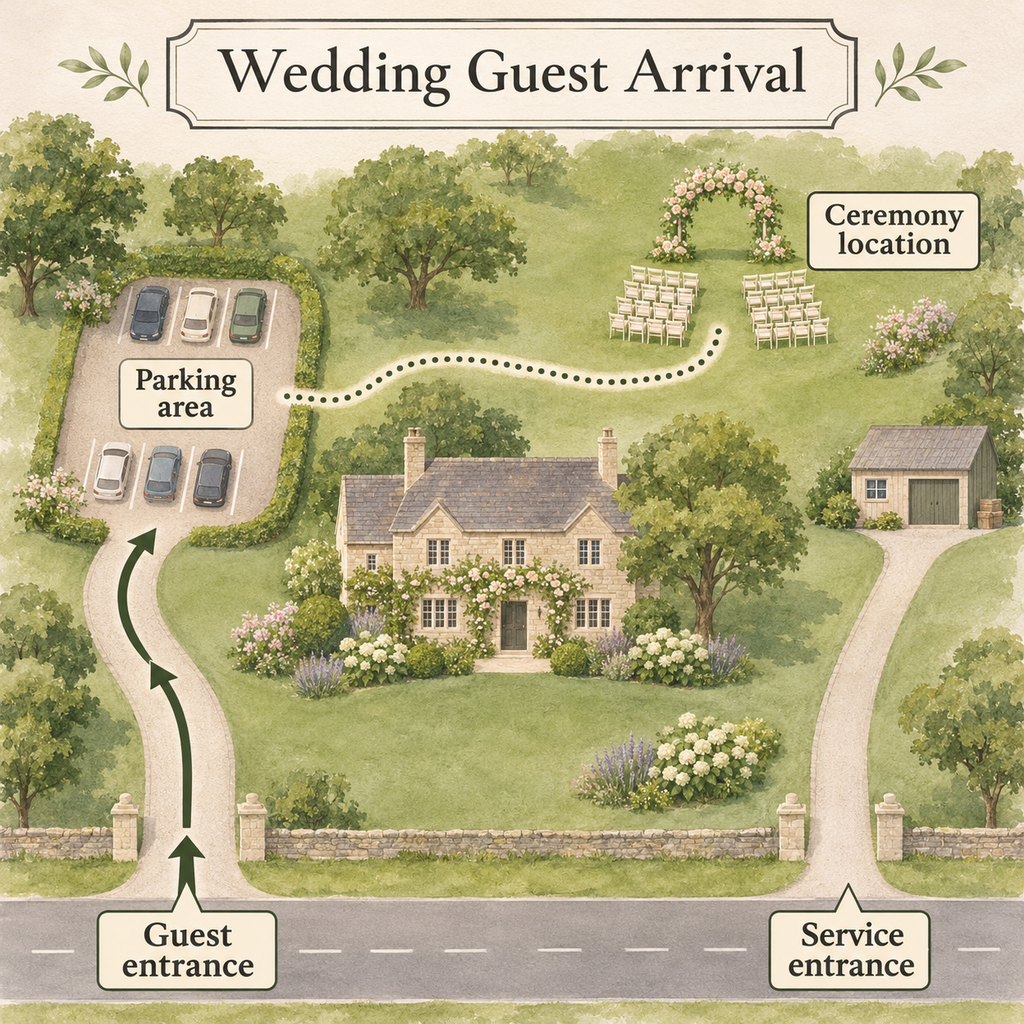
| How do we get to the ceremony? | The venue-approved address or map link for guest arrival, if available. Identify which location it points to. | Parking entrance, drop-off instructions, walking surface and rain arrival plan. |
| Can someone help us plan an accessible arrival? | A contact for questions guests would prefer to ask privately. Include confirmed details that affect travel decisions. | The specific step-free route, distance to seating or drop-off arrangement the venue confirms for your event. |
| Do we need to RSVP now? | One sentence explaining whether a response is requested and how guests will receive instructions. | RSVP deadline, who is invited to each event and any meal or transportation questions you need answered. |
Anything that changes a guest’s booking decision belongs on the site as soon as you know it. If your shuttle will serve only one hotel, that detail matters before someone pays for a room across town. The exact spot to meet the driver can wait.
Why start with the free wedding website our venue provides?
Imagine your aunt is about to book a hotel. She finds one described as “near Greenville.” Your save-the-date says Greenville, too. But your ceremony is in Landrum, and the hotel you’re considering for a pickup is in a third town. The most useful sentence on your website might be just seven words: “Please wait before booking a nonrefundable room.” Your venue team can help you decide whether that sentence belongs there.
Ballenger Bridge is a real example. Its wedding collections include a private wedding website and online RSVPs. The venue identifies its location as Landrum, South Carolina, near Greenville and Spartanburg, and its guest information page names a local lodging option. A couple getting married there can give guests the actual ceremony town, point them toward local places to stay, and explain separately whether they’ve reserved rooms for their own weekend. A hotel recommendation and a contracted room block are two different promises to a guest. Ballenger Bridge wedding collections · Ballenger Bridge guest information
That’s the convenience of using your venue’s website. You and your venue can agree on the directions once. Guests can return to the link on their fridge. And when the hotel sends your group booking link, you have one wedding website to update.
What should we say if the hotel block or shuttle is still being arranged?
If the hotel block is pending, give travelers a useful location and a date to check back. Ask your venue which town it would recommend to someone arriving after dark or driving back after the reception. Then use wording like this:
We’re getting married at [venue] in [town, state]. For guests comparing places to stay, our venue recommends looking in [area]. We’re arranging a hotel block and expect to post an update here by [date]. If you’d like to use the group rate, please wait for our booking link before reserving.
If the shuttle is pending, say plainly whether guests can count on a ride. Ask your venue where a bus can load and turn around, then confirm the hotel stop and return trip with the transportation provider before announcing service.
We’re exploring a shuttle between [hotel or area] and [venue]. Service hasn’t been confirmed. If your hotel choice depends on a ride, please check this page on [date] before booking. We’ll share the pickup location and return times here if service is confirmed.
Pick an update date you can keep. Even “We’re still waiting on the shuttle quote; our next update will be [date]” helps a guest decide what to do.
Should we open wedding RSVPs when we send save-the-dates?
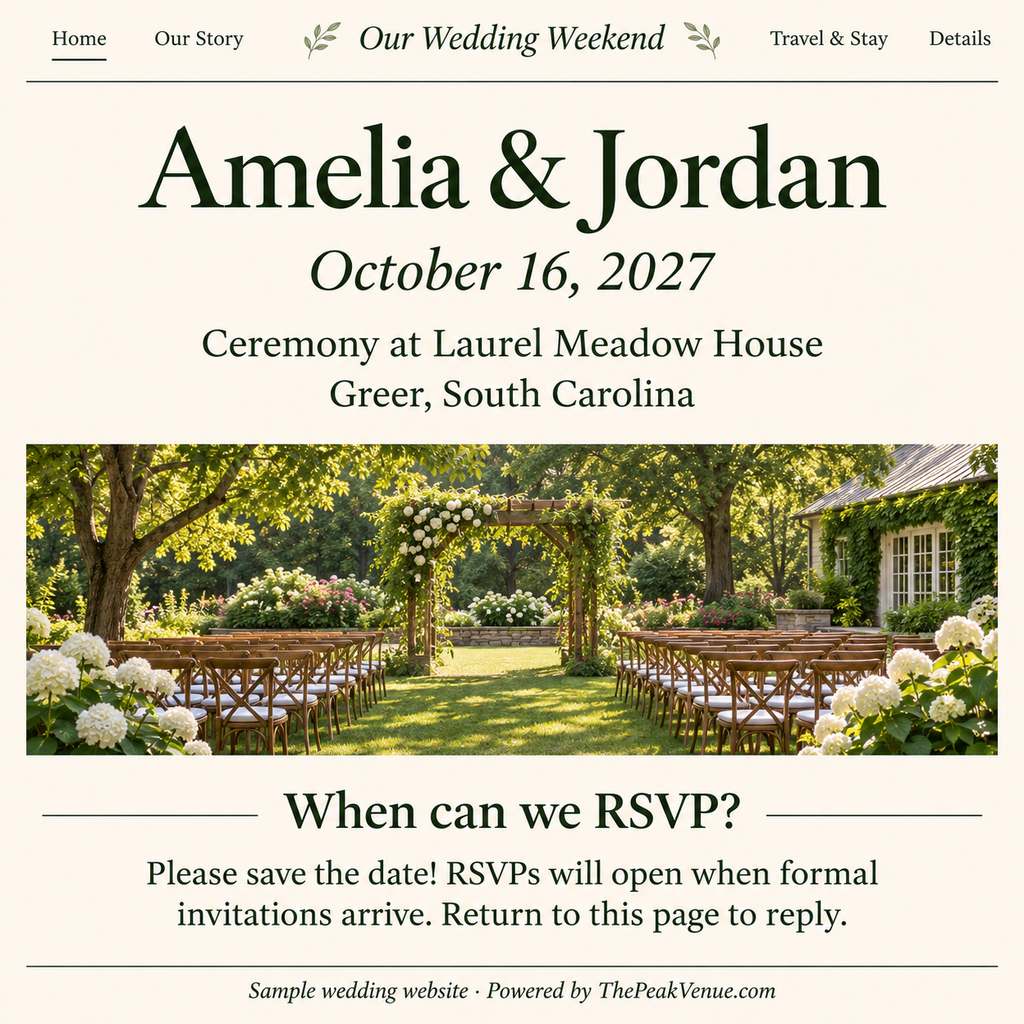
You can share your wedding website now and request RSVPs with the formal invitation. That lets guests plan travel while you confirm the details they need to answer accurately. Ask your venue and caterer when they need final attendance and meal counts. Work backward from those deadlines when choosing the reply date you’ll publish.
If you need an early estimate for a shuttle, ask a narrower question: “Would you be interested in a seat on a shuttle from [hotel]?” Tell guests when they can reserve a seat. An expression of interest is useful for requesting a quote, but it won’t tell the driver whom to expect.
Couples whose venues offer ThePeakVenue.com Wedding Guest RSVP System and Free Wedding Website can direct guests back to their venue-provided website for the formal RSVP. Ask the venue to show you the guest experience before you share the link, including how guests access the private RSVP and who can see their responses. For a guest with an accessibility question, offer a private contact so they can ask about the property without sharing personal details with the whole guest list. Peak Venue’s privacy policy
A first version of your wedding website you can copy
Replace the brackets and remove any line that doesn’t apply. This version assumes the venue is booked, RSVPs will open later, and lodging and transportation are still in progress.
Save the date for [Name] and [Name]
We’re getting married on [day of week, month, day, year] at [venue name] in [town, state]! We’d love for you to save the date. Our ceremony and reception will both take place at [venue].
Planning your trip. If you’re looking at flights or hotels, our venue recommends starting with [airport or lodging area] because [brief, venue-confirmed reason]. We’re working on a hotel block and will update this page by [date]. If you want to book with the group, please wait for the booking link.
Getting to the venue. Here’s the venue’s [guest arrival map]. We’re still exploring shuttle options. If you’ll need transportation from your hotel, please check here on [date] before you make plans that depend on a shuttle.
RSVP. All we’re asking today is that you save the date! Your invitation will let you know when to come back to this website and RSVP.
Questions before you book? Please contact [name and preferred contact] if the route, walking distance or drop-off arrangements will affect your plans. We’ll check with the venue team. We can’t wait to celebrate with you!
What link should we print on our save-the-dates?
Print the guest-facing link your venue confirms for your wedding. Open it on a phone while signed out of your planning account. If you use a QR code, scan a printed proof and include the readable web address underneath. Ask someone who hasn’t toured the venue to find three things: which town to book in, whether they can count on a shuttle, and whether they owe you an RSVP. Their answers will tell you if the page is ready.
Save-the-date wording you can use: “Save [date] for our wedding at [venue] in [town, state]. For travel details and hotel updates, visit [your venue-provided wedding website link]. Formal invitation to follow.”
If you’ve booked your venue, send your coordinator this question today: “Do you provide a free wedding website and private RSVP system on your venue’s website? We’d love to use your local hotel advice and guest arrival directions before we send our save-the-dates.” If you’re still touring, ask to see a guest view during your visit. Seeing how a guest will find the ceremony entrance can be every bit as helpful as walking through it yourself.
For wedding venue owners: ThePeakVenue.com is where your venue can get the Wedding Guest RSVP System and Free Wedding Website added directly to your own website so you can offer it to booked couples. Start with the local knowledge you already share on tours: where guests should stay, which gate they should use, and whom they can call when they need help getting to their seat. Get in touch with The Peak Venue
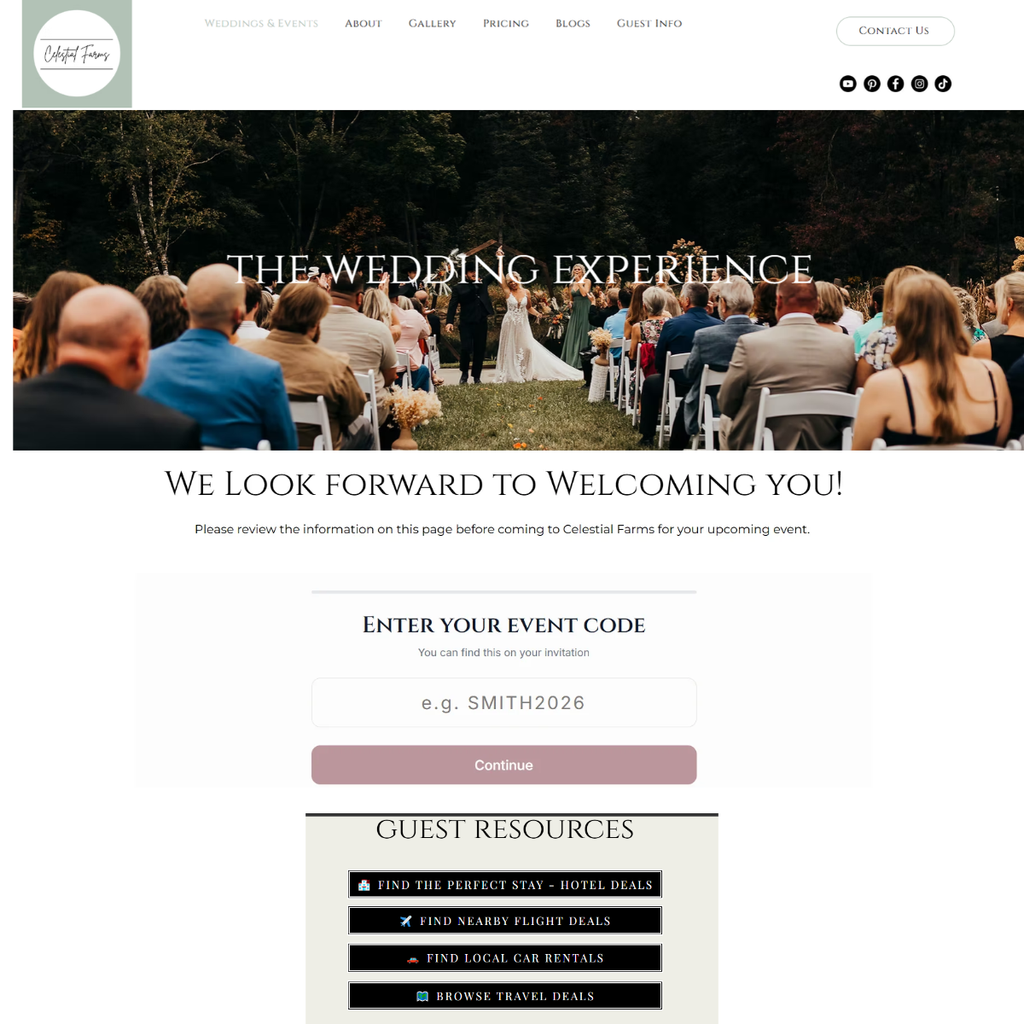
Below, you will find wedding venues that offer ThePeakVenue.com Wedding Guest RSVP System & Free Wedding Website.